


- 1 Ever opened a drawing app… and closed it five minutes later?
- 2 What “digital art” actually means today
- 3 Choosing your starting path (this matters more than tools)
- 4 Tools in 2026: what you actually need (and what you don’t)
- 5 The core skills every beginner needs (and why)
- 6 A simple workflow that actually works
- 7 Typical mistakes beginners make (and why they happen)
- 8 How digital art learning changed by 2026
- 9 How to practice without burning out
- 10 FAQ: common beginner questions
- 11 Short version: what to do right now
- 12 Conclusion
- 13 Sources


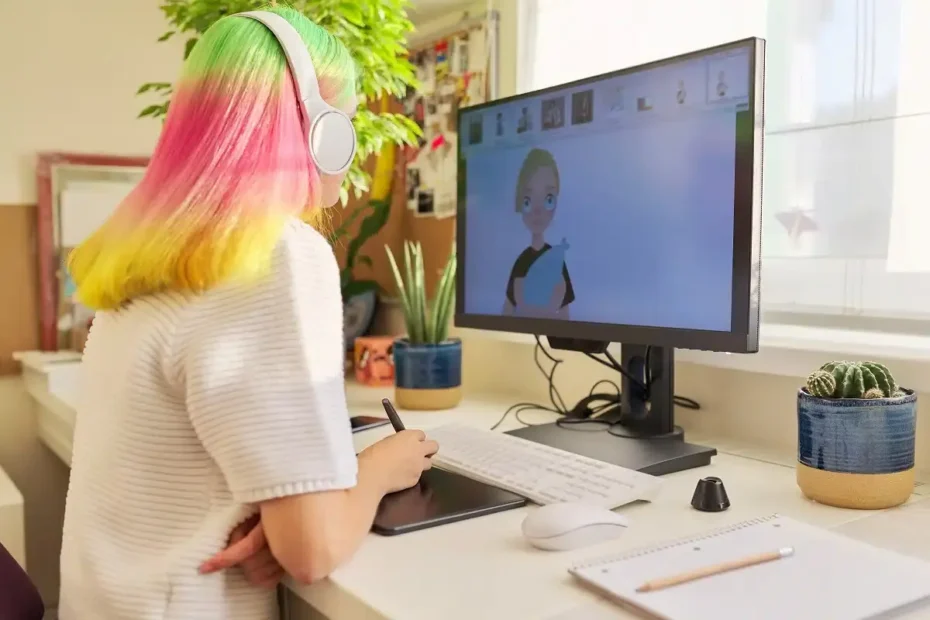
Ever opened a drawing app… and closed it five minutes later?
You download a popular program, buy (or consider buying) a tablet, watch a few tutorials—and suddenly it feels like everyone knows something you don’t. Layers, brushes, rendering, color theory. Too much. Too fast.
If that sounds familiar, you’re not the problem. The way digital art is usually presented is.
This guide is different. It’s not about tools first. It’s about how to actually start digital art in 2026 in a way that sticks—without burning out after week one.
What “digital art” actually means today
Digital art is no longer just “drawing on a screen.” In 2026, it’s a spectrum:
- Sketching and illustration
- Concept art and character design
- Photo manipulation and collage
- 3D-assisted painting
- AI-assisted workflows (with manual refinement)
The key shift: beginners don’t need to master everything. You need a narrow entry point.
“The mistake beginners make is trying to learn ‘digital art’ as a whole. There is no such skill. There are only specific workflows.”
— adapted from teaching principles in art education literature
Choosing your starting path (this matters more than tools)
Before picking software, answer one question:
What do you actually want to create?
| Goal | Best starting approach | Why this works |
|---|---|---|
| Simple illustrations | Basic drawing + limited brushes | Focus on shapes, not tools |
| Character art | Sketch → line → flat colors | Clear structure reduces overwhelm |
| Realistic painting | Grayscale → color overlay | Separates value from color complexity |
| Stylized art | Reference + simplification | Builds visual decision-making |
If you skip this step, everything feels chaotic.
Tools in 2026: what you actually need (and what you don’t)
Let’s simplify it.
Minimum setup
- Any drawing app (Procreate, Krita, Clip Studio, Photoshop)
- A tablet OR even a mouse (yes, really)
- 3–5 brushes max
What beginners overestimate
- Expensive tablets
- Hundreds of brushes
- Complex software features
What actually matters
- Consistency of practice
- Understanding light and shape
- Ability to finish small pieces
“Tools don’t make art easier—they make it faster. Speed only helps if you know what you’re doing.”
— common principle in digital painting education
The core skills every beginner needs (and why)
You don’t need everything. But you do need these:
1. Shape recognition
Can you break objects into simple forms?
Example:
A face → sphere + jaw block
A tree → cylinder + cloud shapes
This reduces complexity instantly.
2. Light and shadow
Before color, understand:
- Where the light comes from
- Where shadows fall
- How contrast creates depth
3. Edges
Not everything should be sharp.
- Hard edges → focus
- Soft edges → depth
Most beginners ignore this—and their work looks flat.
4. Reference usage
Using references is not cheating.
It’s how you learn visual truth.
A simple workflow that actually works
Instead of jumping between random tutorials, use this structure:
Step-by-step process
- Rough sketch (don’t zoom in)
- Clean structure (fix proportions)
- Flat colors
- Light/shadow pass
- Details (only at the end)
Important: most beginners jump to step 5 immediately. That’s why progress feels slow.
Typical mistakes beginners make (and why they happen)
1. Overusing brushes
You think variety = quality.
In reality, it fragments your learning.
2. Zooming in too much
You polish details no one sees—while the overall image is weak.
3. Avoiding fundamentals
Because they feel “boring.”
But they’re exactly what makes art look good.
4. Comparing yourself to professionals
You compare your week 2 to someone’s year 10.
That comparison kills motivation.
How digital art learning changed by 2026
This is important context.
Then:
- Focus on software mastery
- Long tutorials
Now:
- Short, focused practice loops
- Hybrid workflows (manual + AI-assisted)
- Emphasis on decision-making, not tools
Key insight: speed of learning increased—but confusion did too.
How to practice without burning out
Instead of “draw every day for hours,” try this:
Effective practice structure
- 20–40 minutes per session
- 1 clear goal (e.g., shadows, not “drawing”)
- 1 finished small piece
Example week
| Day | Focus |
|---|---|
| Monday | Simple shapes |
| Tuesday | Light and shadow |
| Wednesday | References |
| Thursday | Small illustration |
| Friday | Repeat + improve |
Consistency beats intensity.
FAQ: common beginner questions
Do I need a drawing tablet?
No. It helps, but you can start with a mouse or even a touchscreen device.
Which software is best for beginners?
There’s no universal “best.”
Pick one and stick with it long enough to feel comfortable.
How long does it take to get good?
You’ll see improvement in weeks.
But “good” depends on your goals.
Can I use AI in digital art?
Yes, but treat it as a tool—not a replacement for skills.
Why does my art look flat?
Usually because of weak contrast and unclear lighting.
Should I learn anatomy early?
Only if you’re drawing people. Otherwise, start with general shapes.
Short version: what to do right now
If you want to start digital art today:
- Pick one app and 3 brushes max
- Choose one goal (e.g., simple character)
- Follow a basic workflow (sketch → color → light)
- Use references for everything
- Finish small pieces instead of endless sketches
That’s enough to start.
Conclusion
Digital art in 2026 is more accessible than ever—but also more overwhelming.
The solution isn’t more tools or tutorials.
It’s clarity:
- what you’re learning
- why you’re learning it
- and how to apply it immediately
Start small. Stay consistent. Finish things.
That’s how progress actually happens.
Sources
- James Gurney — “Color and Light: A Guide for the Realist Painter”
- Scott Robertson — “How to Draw”
- Richard Schmid — “Alla Prima II”
- Ctrl+Paint (Matt Kohr) — digital painting education materials
- Proko — fundamentals of drawing and anatomy

